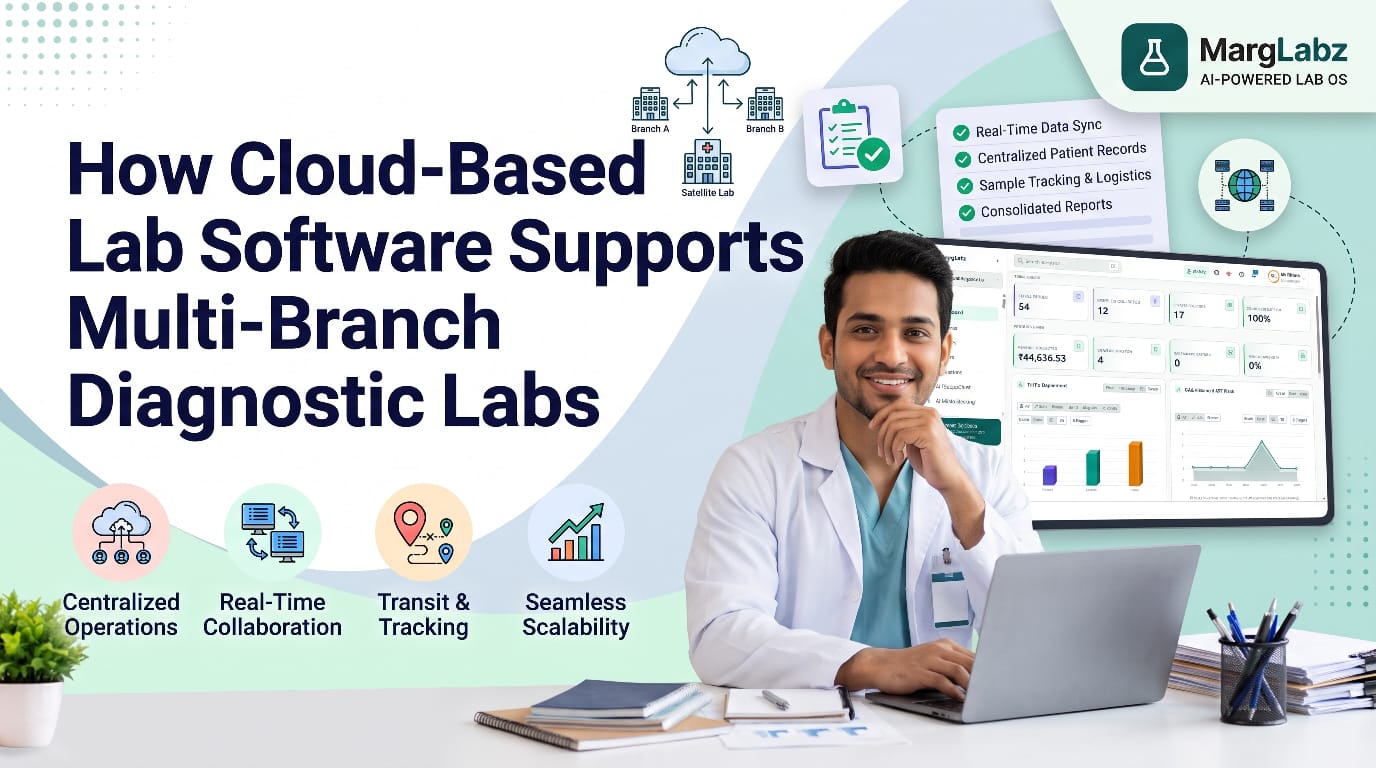
A single cloud-based laboratory software solution can help manage multiple branches of a diagnostic laboratory by providing central management for patient records, sample data, result information, invoicing data and inventory control. This enables authorized personnel at all locations to access this information via the Internet. As a result, each branch does not have to maintain their own separate systems for record keeping, etc. rather, the entire organization will share the same records and follow the same processes.
Introduction: Challenges of Managing Multiple Diagnostic Lab Branches
A single lab could potentially operate with just a couple of employees who have complete knowledge of operations. As you open up a second location, collection center, or even a franchise, you'll lose the ability to transfer this knowledge across multiple locations. If a patient is registered at one location and requests a copy of an existing report from another, you won't be able to provide the requested report. When samples are collected at one collection point, you may not be able to determine what happened to those samples once they left the collection point. The owner of the business would like to obtain weekly reports by branch each Monday morning; however, he/she may not receive them until Thursday.
The fact that the laboratory has been built around the concept of operating out of a single facility does not mean that the facility itself is poorly managed. What it means is that the software used by the laboratory was designed to be run in a specific environment. This article will explain how cloud-based laboratory software can fill this void, as well as what you should consider when selecting a provider of cloud-based laboratory software.
What Is Cloud-Based Laboratory Software?
Cloud based LIS (laboratory information systems) are LIS which are hosted off-site (on the cloud) and can be used via web browser or application, as opposed to being installed locally on computers at every site. The cloud based LIS vendor or host provides the hardware/infrastructure for hosting, while the lab staff access the cloud based LIS using their individual user credentials.
Each product will have different features, different ways to host the product, different types of back up systems, and different methods for providing security. Therefore, when evaluating a system it should be evaluated in its own right.
Why Multi-Branch Diagnostic Labs Need Centralized Management
Centralized laboratory management is when a single set of master data (such as tests, rates, reference ranges, report formats, and user accounts) controls all of the locations in the system. While each location conducts its own activities, each location will operate under the same set of guidelines. This consistent approach allows patients to obtain reports that look essentially the same no matter which location they visit, and enables management to fairly evaluate and compare different branch operations.
Key Challenges in Managing Multiple Lab Locations
Disconnected patient records
Each branch maintains its own database, so a single patient can have multiple entries in that database (each with potentially different spellings of the name) and no common history. Comparing trends across branches and performing follow-up tests is largely a guess.
Sample tracking across branches
Samples from collection sites go to a processing laboratory, and on occasion, to a reference laboratory. When there isn't a single way to track the samples, a delayed or lost sample will be identified only if the patient contacts us.
Delays in test reporting
The report is waiting to be sent via courier, entered manually into the system or reviewed by a pathologist who works in a different location. It can take some time before the staff will know if they have any reports that are still pending.
Difficulty monitoring branch performance
The turnaround times, the number of tests performed, the rejections of tests, and the revenues received from the tests are located in different locations. In many cases, owners do not realize that there has been an issue until several weeks after the issue occurs.
Billing and inventory management
Different rate sheets, discount amounts and billing agreements for franchisees can lead to billing issues. Inventory of reagents are being tracked by individual branches resulting in some branches having an excess of inventory and other branches having none.
Communication between central and branch laboratories
The way questions are asked about a sample, a recollection or a critical value is through phone calls and messaging groups, which has no documentation related to the case.
How Cloud-Based Lab Software Supports Multi-Branch Diagnostic Labs
Centralized patient and sample information
A patient's medical records are shared across all authorized branches. The sample collected can be viewed by anyone who has access to that shared record. The use of barcodes allows for tracing of each sample as it goes from being collected to being reported on.
Better coordination between branches
A collection facility will be able to tell if their samples have been delivered when orders, sample status and questions are all in the same system; the processing laboratory will know what to expect.
Centralized test and report management
The reference range, report template and test master are maintained once, and used throughout all branches. The result of each branch can be viewed and reported on by an authorized user based on their branches access rights.
Operational visibility
Dashboards and reports provide managers with a way to view their branch's pending samples, turnaround times, and sample volumes. This provides managers with real-time data instead of relying on monthly summary reports.
Standardized laboratory workflows
All centres follow the same procedure for registration, collection, validation and reporting. This allows for simpler training and more easily identifiable mistakes.
Billing and inventory coordination
The manager can manage all aspects of rates lists, discounts, corporate and franchise billing, stock levels and expiration dates in a centralized location that provides the manager with a comprehensive overview of how each store performs.
Management reporting
The use of branch wise revenue, test mix and performance reports can help to eliminate the need for manual compilation and will assist in planning.
Benefits of Cloud-Based Software for Laboratory Chains
- One source of patient and test data across branches
- Less duplicate data entry and fewer transcription errors
- Easier onboarding when a new branch or collection centre opens
- Role-based access, so each user sees only what the job requires
- Reduced dependence on local servers and on-site IT support
- Clearer branch comparisons for owners and managers
The real benefit is based upon what is configured and how well the branches are following the process.
Important Features to Consider When Choosing Cloud-Based Lab Software
- Multi-branching structure: allows for multiple branches, collection centers, and/or franchise opportunities, which can have access to both their own (private) data and shared (public) data as appropriate.
- User Role & Permissions: Manage users' ability to sign up for accounts, modify data within those accounts, verify data within those accounts and view data from those accounts.
- Sample tracking: barcode support and status visibility across locations
- Analyzer integration: compatibility with the machines you actually use
- Report management: templates, validation workflow and delivery options
- Billing and Inventory: Rate Lists, Franchise Settlement, Stock & Expiry Tracking.
- How do you ensure data security? Where will my data reside? How often do you backup my data?
- Audit trails and quality records: useful for internal review and accreditation
- Connectivity planning: what happens at a branch if the internet is down
Ask the vendor to demonstrate these using your own branch structure.
Best Practices for Managing Multiple Diagnostic Lab Branches
- Define one standard set of tests, rates, reference ranges and report formats.
- Write simple SOPs for registration, collection, transport and reporting.
- Assign user roles carefully and review them when staff change.
- Track turnaround time by stage and by branch, not just overall.
- Give each collection centre a clear way to query sample status.
- Review quality control and rejection data across branches on a fixed schedule.
- Pilot new software in one or two branches before a full rollout.
- Plan for internet interruptions and agree on a fallback.
How Laboratory Management Software Supports Scalable Lab Operations
In general, the number of locations of a business will grow at a quicker rate than the amount of time that can be dedicated to managing each of these locations. When a business opens another location, it can use the same processes from the previous location(s) because the laboratory management software allows for the repetition of the daily operational activities. Therefore, when a business opens a new location, it does not need to create all of its own procedures for the day-to-day operation of that new location.
MargLabz is an artificial intelligence-powered laboratory operating system (OS) that includes 40-plus modules designed to support laboratory work processes such as managing patients/samples, test/report management, automated labs/analyzer integrations, quality/compliance, billing/business management, inventory/operations, and digital health. With an integrated platform like MargLabz, laboratories can manage all core operations within a single environment, rather than using multiple systems or applications to complete different tasks. If your laboratory has multiple locations, then you may want to request a demo from MargLabz on how they will configure your specific location's organizational structure, roles for users and reporting requirements.
Conclusion
Managing multiple branches is primarily a challenge of consistency and visibility. Cloud-based laboratory software can provide assistance in this area through centralized record keeping, tracking, reporting, billing and inventory management, allowing each branch to work with the same data. Your choice of system will depend upon the branch structure of your company, the analyzer(s) being used and the types of reports you require, therefore, it is best to evaluate prospective systems based on actual laboratory workflow. Examples of systems to include in evaluations include MargLabz, an artificial intelligence-driven operating system for laboratories.