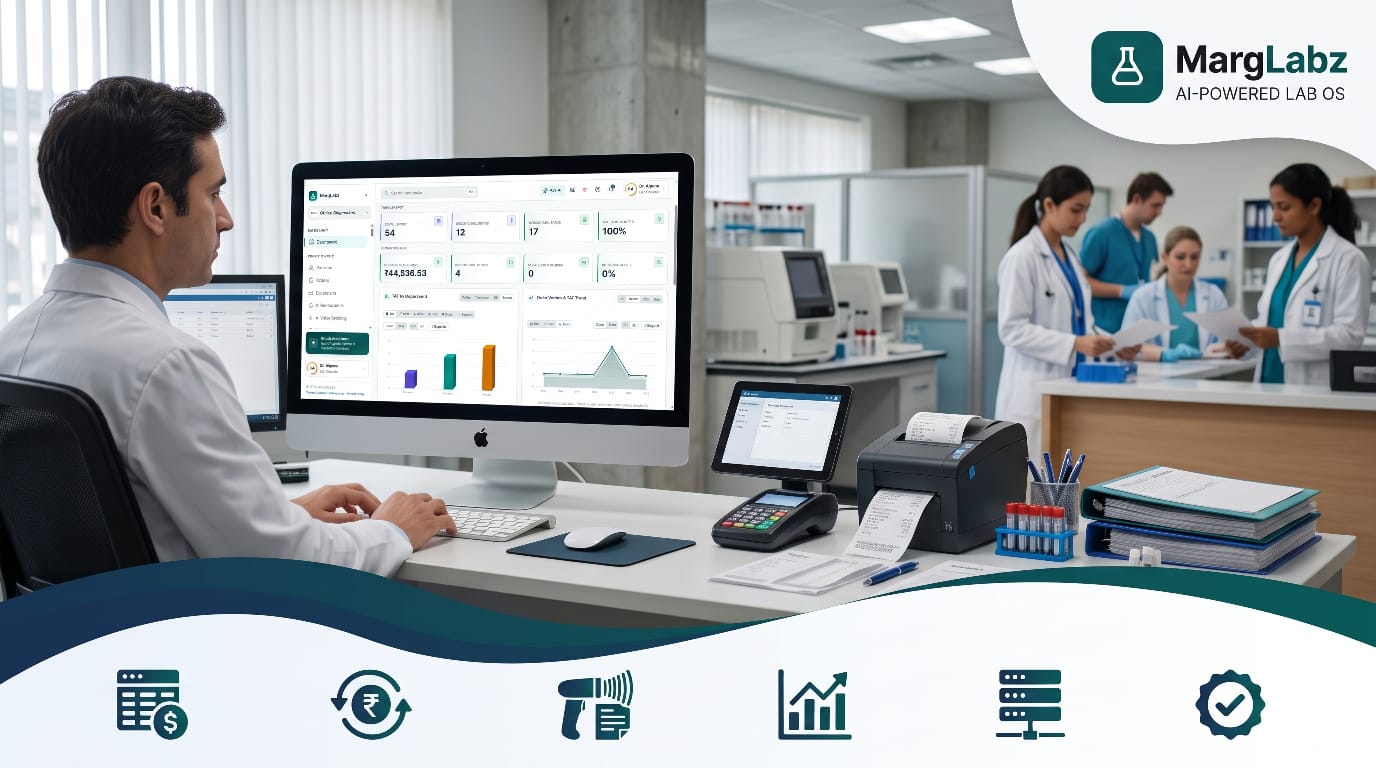
A customer comes into the clinic for a full-body examination package. While checking the customer into the clinic, the front desk employee informs the customer about a discount available on the examination package. Additionally, the employee orders two more tests for the customer; identifies the customer's referring doctor; and takes some of the customer's money via an electronic funds transfer system known as UPI. Later in the same day, a company sends their sample to the clinic and has it processed under a credit agreement. That evening, a different individual will have to verify all the financial activity that took place during the day against what remains in the cash register drawer.
Laboratory billing is a major bottleneck with some of the highest error rates. The errors are usually considered "minor" such as forgetting a test, applying the wrong discount, or paying a bill without any documentation. However, when these types of errors occur repeatedly over the span of a single month, those errors are costing your company money.
The following guide is intended for those who own a diagnostic and/or pathology lab, manage a laboratory, run operational functions within multiple site laboratories, and/or own a collection center. This guide will provide an introduction to diagnostic laboratory billing software; identify the most significant features you should consider when selecting a billing software system; and suggest methods for choosing a software solution which can both safeguard revenue and save your employees time each day.
What Is Diagnostic Lab Billing Software?
Laboratory Billing Software is a computer program that can generate invoices for laboratory tests, assign the appropriate pricing and discount rates, record payments made, and monitor the status of each laboratory test (paid, pending, etc.) as well as the amount of money owed. Although most laboratories do not independently run their billing operations, they generally integrate their billing system into a broader Laboratory Information Management System (LIMS) or Laboratory Information Management Software (LIMS) that includes additional features like Patient Registration, Sample Tracking, Results Reporting, etc.
The integration of these systems is significant. After you link the billing system to your laboratory's information system, once a consumer places an order with you at the front counter, the entire process will start to move along each of the various processes (i.e. sample collection, testing, results generation, etc.). No testing can occur prior to ordering, and no orders can be completed until the necessary testing has occurred.
Product name variations include lab Information management systems (LIMS), laboratory software (LS), pathology lab software (PLS), laboratory management systems software (LMSS), and diagnostic center management software (DCMS). Regardless of the product's name, the issue being addressed is identical: does the billing module integrate with all of the other modules within the same system or is there a need to manually link the billing module with the other parts of the system?
Why Manual Billing Costs You More Than You Think
Many small laboratories that use handwritten receipts for billing, basic billing software, or spreadsheets to generate bills can have substantial hidden costs associated with using these methods. However, although they may seem to be cost-effective on the surface, there can be significant long-term financial implications.
- Missed or wrongly priced tests: Staff remember some prices and guess others.
- Discounting is offered inconsistently by many professionals who give different discount amounts to the same group of patients.
- The day's cash, credit card, and UPI collected funds do not match.
- Referral Commission Mistakes: The way agent and doctor commissions are calculated is by hand, so they often lead to disputes.
- Slow reconciliation: Owners wait days for an accurate revenue picture.
- Weak audit trail: It is hard to see who changed or cancelled a bill and why.
- Patient waiting time: Slow billing creates queues at reception.
A single error in pricing may result in multiple incorrect charges being made. The cumulative effect of these errors can far outweigh the purchase price of an annual software subscription.
Key Features of Good Diagnostic Lab Billing Software
1.Test and package master with rate lists
The same price list for every test, every profile, and every health package should exist in one central location. Having the same price list in one place allows you to maintain multiple different rate lists depending upon whether the patient is a "walk-in," works for a company (corporate account), has insurance/TPA coverage, or is seen at a franchise center.
2.Fast patient registration and billing
The front desk staff will be able to find previous patients fast, have all of the necessary patient information automatically entered into the computer, and complete the billing process for each patient in under one minute using the simple-to-use billing screen.
3.Discount and concession control
The rules for which employees are allowed to give discounts, how much of a discount each employee can give, and the level of approval required for each discount amount, will eliminate the need for guessing or allowing employees to make unapproved concessions.
4.Multiple payment modes
The application provides multiple methods for paying invoices including but not limited to cash, credit/debit card, UPI (Unified Payments Interface), and digital wallet; in addition to providing options for making partial payments, advance payments, and maintaining credit accounts on the basis of individual invoices.
5.Referral doctor and agent tracking
Link each invoice with the referring physician or agent; apply commission rules and generate payout reporting automatically.
6.Corporate and credit billing
The system will track the amount of credit a customer is allowed to use, the length of time they have to pay for products/services (billing period), how much money is owed to the company (collections tracking) and what steps need to be taken to get paid by the company, clinic, or institution with which the company has a partnership.
7.TPA and cashless billing
Try to find a software which is able to help you in tracking the claims process for all of your insurance customers (cashless or TPA workflow) and displays clearly the current status of each claim as well as the amount that remains unpaid.
8.Cancellations, refunds, and edits with audit trail
An order's cancellation, refund, or modification must be documented along with the person making the adjustment, the date/time of the adjustment, and why the adjustment was necessary. This documentation protects you against errors and/or abuses.
9.Integration with samples and reports
Your billing will tie in directly to the dates that you collect samples and issue reports. Therefore, if you have a policy in place which states that reports will not be released until payment has been made, then you can rest assured that no reports will leave your facility until they have been paid for. In addition, this system will provide you with the assurance that every test conducted on each sample is billed.
10.Reports and dashboards
You have immediate access to your daily collections based upon how you pay for items (payment method), your department/test revenues, performance at each of your branches, uncollected debts and a discount summary with just one simple click.
11.Multi-branch and franchise support
The billing process can be viewed from a central point of view for each location/collection point. Each location may have their own pricing, but the ability to generate reports based on those prices is available. In addition to being able to generate reports, you are also able to reconcile your cash transactions.
12.Tax and invoice formatting
The process of accurately creating invoices and applying the correct amount of taxes. Because test and service regulations can change, it is recommended that you discuss with your certified public accountant on what will work best for your business.
13.Data security and backup
The billing information is both private (financial) and public (personal), therefore, it requires a system that provides access to each user based upon their role, as well as a way to keep this information safe and automatically backed-up.
Standalone Billing Tool vs Integrated Lab Software
Point standalone billing tool vs. integrated lab management system The cost to set up each is different. The standalone is typically less expensive. However, the integrated lab management system includes many other features that make it more expensive. Matching of tests to bills is manual with the standalone. It is automatic with the integrated. Links between samples and reports are not present with the standalone. They are included with the integrated. Tracking of referrals and commissions can be done with the standalone. It is generally included with the integrated. Visibility of multiple branches is limited with the standalone. It is complete with the integrated.
Entry of data into the system is repeated across tools with the standalone. Data needs to be entered once with the integrated. Audit trails are limited with the standalone. They are complete with the integrated. The standalone is best suited for small, single-counter businesses. The integrated is better for larger, growing networks of labs.
In the early stages, as a very small laboratory, you may be able to use a simple tool. However, as the number of tests performed increases, as well as the number of sites where those tests are performed, and as the need to comply with regulatory standards also increases, you'll generally find that incorporating software into your operations will help you save money.
How Billing Software Protects Your Revenue
Here is where the benefits show up in practice:
- All of your tests that were ordered will automatically be charged according to what they cost.
- Faster counters: Shorter queues and happier patients.
- Clean day-end closing: Collections by mode match system records.
- Fair, transparent commissions: Doctors and agents get accurate statements.
- Better cash flow: Clear view of pending dues and credit accounts.
- Owner visibility: Real-time revenue figures without calling each branch.
- Control: Approval rules and audit trails reduce the risk of misuse.
How to Choose the Right Diagnostic Lab Billing Software
Step 1: Create a list of the billing methods you offer. Examples include: walk-in customers, packages, home delivery, company credit options (corporate credit), third party administrator (TPA) billing options, franchise billing options, and commission based referrals. Document each of the above billing options that you currently provide.
Step 2: Determine which lab is the best option for you based on the size of your facility. Single center labs, chain labs and hospital labs each have their own unique needs. Therefore, do not spend money on features that you will never use.
The next part of this process is to test the product in action. Get a free trial of the software. Let the front desk staff make out invoices, apply discount codes, take partial payment amounts from customers, and cancel invoices.
Step 4: Verify connection. Ensure that billing links to the registration system, the sample tracking system, the analyzer systems, and the reporting system.
Reviewing the reporting process. You want to make sure you will have easy access to each of the required daily closing and monthly review reports without any extra work.
Step 6: Determine your total cost. Find out what subscription costs are associated with the software as well as any other fees you will incur (e.g., installation/setup fees, per-user/per-location charges, training, technical assistance/support, data migration). Consider evaluating all of these costs based on a three-year period instead of on a month-to-month basis.
Step 7: See if the vendor offers support and security. Find out about the vendor’s response times when an issue arises, the types of support channels the vendor utilizes, the frequency with which the vendor backs up data, and which individuals have access to the data.
Step 8: Inquire about referrals. Contact other laboratories with similar sizes and use of the same software.
If you need a more extensive background on how to choose software, please see our "guide to choosing laboratory management software for a diagnostic lab." This guide will provide an overall picture of how to go about making this decision.
Where MargLabz Fits
MargLabz is an AI-powered cloud-based laboratory operating system designed for diagnostic laboratories, pathology labs, sample collection sites, and emerging laboratory networks. MargLabz includes billing functionality within the same platform that handles registration, sample tracking, validation, and reporting; therefore, each bill is associated with the sample and report. The dashboard displays up-to-date data about the amount of revenue produced through various forms of payment (cash, credit cards, UPI/digital wallet payments, TPA/cashless payments, and corporate credit), along with order counts, turn-around time (TAT) metrics, and test volumes per department.
The pricing starts at INR 999 each month with an additional tax (GST). With this option, laboratory facilities which currently utilize paper based documentation or basic invoicing applications can transition to using a digital laboratory management application.
Common Mistakes to Avoid
- Choosing only the cheapest option without checking features
- Using a billing tool that does not connect with samples and reports
- Not setting discount limits and approval rules
- Skipping staff training
- Ignoring multi-branch needs until the lab expands
- Forgetting to check data backup and export options
- Not reviewing billing reports regularly
Implementation Tips for a Smooth Switch
- Clean your test and rate master before importing anything.
- Start with one counter or branch, then roll out.
- Train front desk staff first, since they use billing most.
- Run old and new systems in parallel for a short period if possible.
- Review daily collection reports for the first few weeks.
- Collect feedback and adjust discount rules and report formats.
Final Thoughts
The process of billing is more than simply completing forms. Your laboratory's hard work will be converted into money through the use of effective billing procedures, while a lack thereof may result in a loss of profits. With the right diagnostic laboratory billing software, you can generate accurate invoices, maintain clean financial records, provide clear commission tracking, and obtain an overview of your operation, without creating additional work for your staff.
Select a system that is scaled for the size of your lab, integrates billing with samples and results reporting, and has a reliable customer service team. If you want to experience the system first-hand, MargLabz provides lab management software designed specifically for diagnostic and pathology labs, sample collection centers, and multiple branch network operations. Pricing starts at ₹999/month + GST.