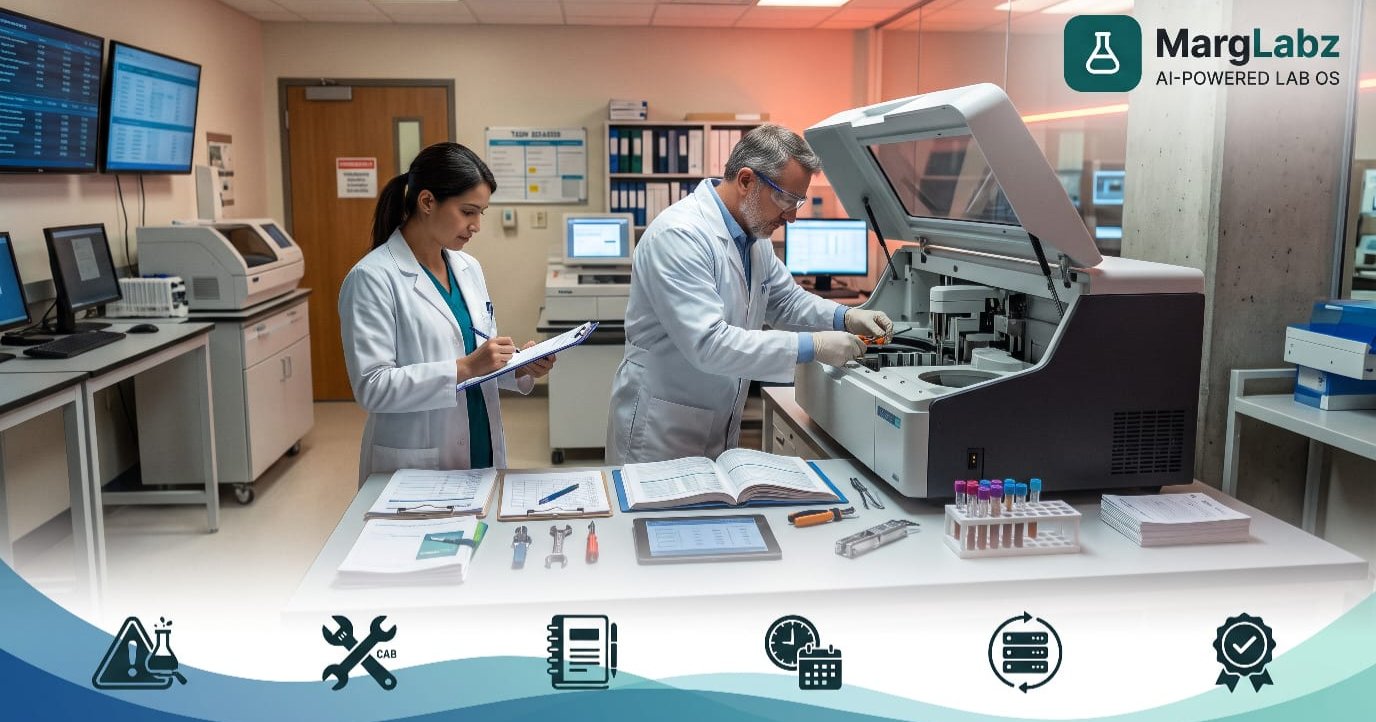
As of 9:30 AM on Monday, there is a large number of patients in the waiting area waiting to see doctors. There are many samples being prepared for processing, however, the primary analysis system has indicated an error code. The technician will not be able to come in until 11:30 AM. Doctors are now calling you regarding their requested reports as promised for delivery by 12:00 PM.
The same can be said for every laboratory that performs either diagnosis or pathology testing regarding the experience they had when an analyzer went down. An analyzer going down is not simply a mechanical issue. An analyzer going down will cause the laboratory to have negative impacts on the turnaround time of providing results to their customers, the customer's confidence in the laboratory's ability to perform, employee morale and stress levels, and finally the laboratory's profitability (bottom line).
The good news is that most of your laboratory equipment's downtime can be minimized, and the remaining downtime can be managed effectively with proper planning and documentation. I have developed this document to help you, as a laboratory owner, manager, biomedical/maintenance in-charge person or operations manager for multi-site laboratories, understand what to do when your laboratory equipment experiences downtime, as well as develop/keep up with service documentation that is accurate, organized and ready for audit.
What Analyzer Downtime Really Costs Your Lab
Downtime is a lot longer than the total number of hours a machine has been down. There are several other expenses associated with downtime that can quickly add up.
- Delayed reports: Patients and referring doctors lose confidence when TAT slips.
- Repeating tests: Samples can require re-testing; therefore, more reagents are used, and there is more time required.
- The loss of money is due to some lab tests going to different labs, and other patients not returning.
- Employees who experience stress will typically work faster, but working at that pace may also result in a greater number of errors.
- Bills for emergency services are generally more expensive than routine services, especially when dealing with emergency breakdowns.
Labs that track their spending will soon realize that it's more budget-friendly to maintain all systems consistently than to have a single week where everything breaks down.
Common Causes of Analyzer Downtime
The most critical step in understanding why a machine stops operating is being able to identify why it stopped. Identifying the cause of a machine's failure will help you prevent future occurrences. There are several common causes for machines to cease operations, such as:
- Skipped or delayed preventive maintenance
- Poor or missed calibration and quality control checks
- Worn parts such as tubing, probes, lamps, and filters
- Wrong reagent handling or expired consumables
- Power fluctuations, voltage problems, or dust and humidity
- Operator mistakes caused by inadequate training
- Slow vendor response or an expired service contract
- Most of these are preventable with consistent routines.
Build a Preventive Maintenance Routine
Preventive maintenance offers better protection against unexpected failures. A basic and effective format can be utilized:
The daily routines will consist of verifying the amount of chemicals on hand, conducting quality assurance tests on equipment and samples, disinfecting all surfaces where probes are used to collect samples and areas surrounding sample collection points, and reviewing previous day's reports regarding malfunctions in the system.
Weekly: Deep clean, verify garbage cans, and examine hoses/connections.
Replace every single worn-out consumable (filters, etc.) that the manufacturer recommends replacing each month. While you are doing so, make sure that none of your equipment has gone out of calibration.
You will need to have Engineers perform Annual Servicing and Performance Verification according to the terms of your Contract.
As always, follow the manufacturer's recommended maintenance schedule. Name one person who is responsible for performing each task. This ensures that none of the tasks are left to chance because you assume "someone else will do it."
Why Service Records Matter So Much
A service record is a documented history of all the work done on your equipment (maintenance/repairs). Without a service record, every time there is a problem with your equipment it will seem as though you are attempting to complete a jigsaw puzzle.
Good records help you:
- Spot machines that fail repeatedly and decide when to repair or replace them
- Prove to auditors and assessors that equipment is controlled and maintained
- Negotiate better annual maintenance contracts (AMC) using real failure history
- Train new staff using past issues and fixes
- Resolve disputes with vendors about warranty or service quality
Labs seeking NABL Accreditation have no option but to keep equipment records. Assessors will commonly check three categories of documentation for every vital piece of equipment: calibration, maintenance and repairs.
What to Include in an Analyzer Service Record
For each analyzer, you will have one file (paper or electronic) which includes:
- Instrument name, model, serial number, and location
- Installation date and warranty or AMC details
- Vendor and engineer contact numbers
- Preventive maintenance schedule and completion log
- Calibration and quality control records
- Breakdown log: date, time, fault description, action taken, and time to resolve
- Parts replaced, with dates and costs
- Software or firmware updates
- Name and signature of the person who handled each activity
The breakdowns logs are especially helpful. A review of these records over a single year can reveal trends that cannot be remembered.
Create a Downtime Response Plan
Even with the most comprehensive maintenance program, no lab can guarantee that they have eliminated every possible risk. What sets apart those labs that are considered "strong" from those that are considered "stressed," is the presence of an effective contingency/response plan.
- 1.The sooner staff can recognize a potential problem, the better. Staff must have the knowledge of what actions to perform to determine if a problem exists prior to contacting an engineer.
- 2.Go up fast. Store the contact information for vendors, the point-of-contact for escalations, and the service contract information with all equipment, and inside the system.
- 3.Protect the sample. Determine how long the sample can remain valid (i.e., when does the sample expire) and then store the sample correctly.
- 4.Initiate backup options. Utilize the backup analysis tool, perform validation testing manually on as-needed basis, or send samples to affiliated reference laboratory.
- 5.Communicate. Let your front desk personnel, the collection centers and those patients affected know, as soon as possible, with correct reporting dates.
- 6.Document everything. Record the fault, the time lost, and the fix.
Perform an exercise of a simulated event at least one to two times annually to ensure all of your staff members understand exactly what is required from them in response to a real-life situation.
Special Challenges for Multi-Branch Labs
When there are several collection centers/branches to manage, it becomes increasingly difficult to handle "downtime." Each individual branch/collection center may maintain its own records; however, the Head Office typically only knows about a machine malfunction when the reporting gets late.
A central laboratory management system can provide insight into the status of equipment, the processing backlog of samples, and the workload being carried out by each branch. In the event of an analytical instrument breakdown at a given branch, samples may be sent to another branch for analysis without delay, while ensuring consistency of data across all branches.
How Software Makes Downtime and Records Easier
Technology provides an easier way to find data than using paper records or several spreadsheets which can be easily lost.
A good laboratory information system connects patient data, sample data, result data and reporting. Connecting with your analyzer systems reduces manual entry and gives you early warnings of problems. Also, many of today's laboratory management programs provide the following:
- Maintenance and calibration reminders so nothing is missed
- A digital breakdown log for every instrument
- Dashboards showing pending samples and workload
- Alerts when quality control results go out of range
- Quick retrieval of records during audits or inspections
The use of reliable pathology laboratory software will allow a technician to locate exactly which samples have been affected by a failure and then directly route these samples away from the area where the failure occurred. When a laboratory has more than one location, diagnostic center management software can provide a technician with a central view of the status of the equipment at each location, the amount of work being done at each location, and the historical records of repairs performed on the equipment at each location.
In evaluating laboratory software, you should look for software that will connect to analyzers, enable quick entry of data, accommodate multiple locations, provide secure storage of your data, and offer a pricing model based on the size of your organization. Regardless of how your team identifies the software (i.e., lab management system, lab management system software, or simply "the lab software"), there are ultimately just two criteria used to evaluate whether or not the software is successful in supporting your team; will it save your team time and will it reduce errors on a daily basis?
Common Mistakes to Avoid
- Treating maintenance as optional when the lab is busy
- Keeping records only in the engineer’s report or in one person’s memory
- Letting AMC or warranty expire without notice
- Not training staff on first-level troubleshooting
- Having no backup plan for critical tests
- Ignoring repeat faults instead of reviewing the pattern
- Updating records weeks after the event, which reduces accuracy
Quick Checklist: Analyzer Downtime and Records
- Every analyzer has a complete service file
- Preventive maintenance schedule is assigned to named staff
- Calibration and QC records are up to date
- Breakdown log is filled on the same day
- AMC and warranty dates are tracked with reminders
- Vendor and escalation contacts are easily available
- Backup analyzer or reference lab arrangement is confirmed
- Staff have practised the downtime response plan
- Records are digital and searchable
Final Thoughts
Preventative maintenance, having good record keeping, being prepared for emergencies (with a plan), and having the proper tools/equipment can make managing unexpected equipment issues possible. No matter how much you prepare, there is no way to eliminate all analyzer downtime; however, you do not have to allow it to take over your lab.
MargLabz offers a laboratory management software product specifically for diagnostic/pathology labs, collection center, and multi-branch network organizations. With the aid of this product, you may be able to become better organized, audit-ready, and efficient. The cost of using MargLabz begins at ₹999/month + GST.