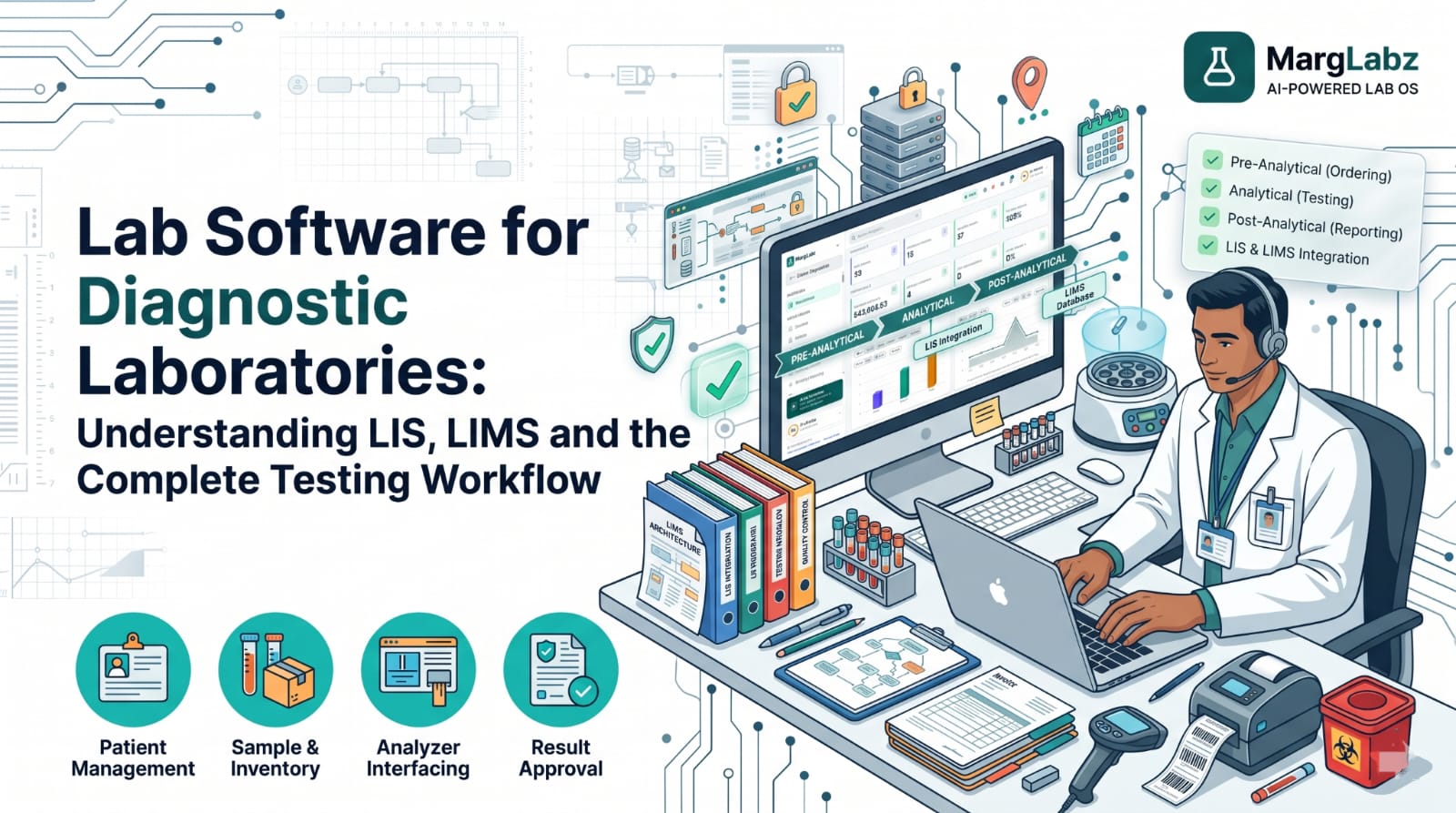
A laboratory professional in a medium-sized laboratory processes a patient's information in one application then she writes the tube numbers down in a logbook after that she inputs the test results into another application and finally, she bills the patient through a separate billing application.
At the end of the day, no one knows for sure which tests are still pending or what samples have been received at the central laboratory. While each application operates independently, the laboratory as a whole does not operate as an independent entity. Laboratory software bridges these gaps by combining all of the steps of testing into a single record. This guide will help you understand how laboratory software can assist your laboratory, where LIS and LIMS come into play and what factors your Indian diagnostic laboratory should consider prior to selecting a laboratory software vendor.
What Is Lab Software?
Lab software is a group of programs that are linked together and allow for the management of the day-to-day operations within a lab. These operations can range from the initial registration of patients to the processing of testing orders, sample tracking, receipt of analyzer results, validation and authorization of reports, reporting delivery and billing, as well as the creation of an audit trail of who completed which task at what time. The system will be used by all personnel involved in the operation of the lab (front desk staff, phlebotomists, technologists, pathologists, accountants, and owners). The purpose of the system is to ensure that every handoff can be seen and every record is uniform.
How Lab Software Works in a Diagnostic Laboratory
The testing lifecycle runs in ten steps:
- Patient registration: demographics and contact details are captured once.
- Test order and selection: tests, referral doctor, and packages will be recorded.
- Sample collection: at the lab, a collection centre or the patient's home.
- Barcode generation: a unique ID is printed from the order.
- Sample reception and tracking: scans confirm arrival and status.
- Analyzer integration and testing: instruments receive orders and return results.
- Quality Control and Validation of Results: QC Status and Rule Based Checks Identify Anomalies.
- Report authorisation: a qualified professional reviews and approves.
- Digital report delivery: print, email or messaging.
- Billing and operational records: invoices, payments, stock use and audit trails.
A hypothetical case. A 45 year old female requests a home visit to have a lipid panel (lipid profile) and complete blood count (CBC) performed. The front desk staff registers her into the system, which then generates barcode labels for each of the test tubes. When the phlebotomist arrives at her home, he/she draws the required amount of blood and labels each tube. Upon returning to the main laboratory facility, the tubes are scanned to verify they match the dispatch list.
Each of the automated analyzers reads the barcode on the tube accesses the order information, and produces the test results. All quality control testing was successful on this particular run however, one of the test results had a delta check that identified a discrepancy with her prior lab reports. As a result, a technician reviewed the result prior to being approved by the pathologist. After the pathologist approved the result, it was sent electronically to her via message. Since her invoice has been automatically associated with her account, no additional action is necessary regarding payment. Finally, the reagent that was utilized in performing the tests has been recorded in the inventory system.
Understanding LIS and LIMS
LIS was designed based upon the patient and their test orders. The order is received the sample is tracked results are documented and reports can be sent to the doctor or the patient. Most diagnostic laboratories identify with LIS. LIMS has been developed around the samples and the tests being performed. LIMS provides extensive support for batches, specifications, instrument interfacing and workflow management. LIMS originated within pharmaceutical, food, environmental and research environments. However, many clinical laboratories have adopted LIMS.
A vendor's broader classification of laboratory management software can be defined as a platform which contains all of the same functional areas as an LIS-type system, as well as several additional capabilities such as billing, inventory management, quality control, patient communications and analytical reporting. Therefore, "diagnostic laboratory software" would refer to a specific software package designed to support clinical testing operations regardless of how it is marketed or labeled. Because terminology differs among vendors and countries, evaluate each software product based on the functionality that supports your daily laboratory processes rather than the name given to the product.
LIS vs LIMS vs Lab Software: What Is the Actual Difference?
| LIS | LIMS | Integrated lab software (diagnostic) | |
|---|---|---|---|
| Primary purpose | Manage patient orders and results | Manage samples and test processes | Run the whole lab, front desk to finance |
| Data approach | Patient and order-centric | Sample and batch-centric | Patient, sample and business data linked |
| Main users | Clinical lab staff, pathologists | Research, QC and industrial analysts | All lab roles plus owners |
| Patient management | Core | Often limited | Core, often with CRM |
| Sample tracking | Present | Core, often detailed | Core, with barcodes and transport |
| Test management | Orders and panels | Flexible methods and specifications | Test masters, packages, reference ranges |
| Analyzer integration | Typical | Typical | Typical, verify per model |
| Quality control | Basic to strong | Strong | Varies, check QC and audit features |
| Reporting | Clinical reports | Certificates and analytical reports | Clinical reports plus business reports |
| Regulatory focus | Patient data and clinical quality | Often non-clinical standards | Depends on the product and your lab |
| Typical setting | Hospital and diagnostic labs | Pharma, food, environmental, research | Diagnostic labs and chains |
The functions overlap. Many modern systems blur the line, so ask what a specific product does.
Essential Features of Modern Lab Software
| Feature | Problem it solves | Example |
|---|---|---|
| Patient and sample management | Retyping and mismatched records | One registration feeds orders and labels |
| Barcode tracking | Mix-ups and lost samples | Scanning a tube at receipt flags a missing one |
| Test and report management | Inconsistent reports | Templates with ranges and flags |
| Analyzer interfacing | Manual result entry | Results arrive against the sample ID |
| Quality control | Undocumented QC decisions | Failed runs are recorded with actions |
| Billing and finance | Billing-report mismatches | Billing linked to tests performed |
| Inventory | Stock-outs and expiry loss | Batch and expiry alerts |
| Patient CRM | Missed follow-ups | Reminders for repeat tests |
| Multi-branch operations | Different habits at each site | Shared test masters |
| Cloud access | Dependence on one PC | Report approval from anywhere |
| AI-assisted reporting | Reports hard for patients to read | Plain-language explanation beside the signed report |
| Business analytics | Month-end surprises | TAT and revenue dashboards |
| Digital health integration | Paper-bound records | ABHA-linked report sharing, where supported |
Cloud-Based Lab Software vs Traditional Systems
| Factor | Cloud-based | Traditional (on-premise) |
|---|---|---|
| Accessibility | Browser access from any site | Mostly inside your network |
| Maintenance | Vendor handles updates | Your IT team maintains servers |
| Scalability | New branches added by configuration | New hardware and set-up |
| Security | Shared responsibility; depends on the vendor's controls | Your responsibility, within your premises |
| Backup | Often managed; ask how and where | You design and test it |
| Internet dependence | High | Lower for core work |
Neither is automatically more secure. Ask about encryption, access control, backups, data location and exit terms in either case. Our guide to analyzer connectivity and LIMS integration shows what to check on the technical side.
How Lab Software Benefits Different Types of Laboratories
| Lab type | What matters most |
|---|---|
| Small pathology lab | Simple registration, billing, reports and low IT burden |
| Medium diagnostic centre | Barcode tracking, analyzer interfaces, collection centres |
| Hospital laboratory | Integration with hospital systems, high volume, roles and audit trails |
| Reference laboratory | Bulk intake, outsourced samples, partner billing, TAT control |
| Multi-branch chain | Central masters, branch permissions, consolidated reports |
Lab Software and Indian Healthcare Requirements
NABL and ISO 15189:2022. According to NABL, accreditation is a voluntary process for which an organization can define the scope of its accreditation. It is important to note that NABL does not accredit software; rather, it accredits laboratories. Quality systems require many types of support including traceability, quality control records, audit trail records, and document control records, all of which may be supported by software. Please refer to our guide on NABL-accredited laboratories.
ABDM: A PIB Backgrounder stated that diagnostic laboratories can become part of the Ayushman Bharat Digital Mission, which enables facilities to generate digital health records linked to each patient's ABHA using ABDM-enabled software. Facilities must register in the Health Facility Registry (facility.abdm.gov.in).
Data Security: Patient information is confidential. Consider reviewing the Digital Personal Data Protection Act, 2023 with your lawyer, as well as verifying that you have appropriate controls on who has access to the data and if those accessing it are tracked.
You should also consider analyzer connectivity (usually utilizing standards such as HL7 and ASTM however, this is dependent upon the specific instrument model) secured digital reports, and the ability to operate across multiple locations. While these features are supported by the software they do not guarantee compliance for a laboratory.
Common Problems When Implementing Lab Software
- First, you need to clean up your testing data, i.e., the master list, prices, and patient records before you can begin to migrate them in a step-by-step fashion.
- Staff training: train by role, and keep a champion at each branch.
- Confirm analyzer compatibility: model numbers, and interfaces prior to signing the contract.
- Map out your actual workflow: including all of the rejections and amendments.
- Data security and permissions: limit who can verify, edit or delete records.
- Ongoing support: agree response times and who to call after go-live.
Run both the old and new processes simultaneously for a limited amount of time, and go through all of the exceptions that occurred during the first month of operation with the entire group.
How to Evaluate Lab Software Before Choosing a Platform
Ask every vendor to perform a "live" test of your actual workflow in a demo environment, including but not limited to registration of the patient, the completion of the report, the delivery of the report to the patient, and finally the invoicing of the patient.
Then inquire: What analyzer models are currently interfacing with this system? How are these analyzer models interfacing with this system? How does this system manage the auditing trails of the data? How does this system manage the QC records of the data? How does this system manage the user roles within the system? Is it possible to extract all of your data? Where is the data located and how often is it backed up?
How does the system handle multi-branch operation? In writing, what will be the costs associated with the setup of the system? In writing, what will be the costs associated with the interfaces required for the system? In writing, what will be the costs associated with the messaging features of the system? In writing, what will be the costs associated with the support of the system? Is there a lab that operates in a similar fashion to ours that we can contact? Smaller labs should consider the benefits of simplicity and support when selecting a LIS.
Larger chain labs should consider the benefits of centralized control and reporting when selecting a LIS. Any feature that you do not observe during the demo does not exist for you at this time.
The Future of Lab Software in India
At this point in time some features have been developed (i.e. analyzer interface, barcode identification, digital delivery of reports, and ABDM integrated records) while other features are being developed (i.e. AI assisted reporting/workflow recommendations, predictive analysis of operation, automatic capture of data from document, and increased interoperability). Think of emerging features as claims to verify and request proof/validation. One way to determine if a feature will work with your data is if it can be tested on your data and what person is responsible for the outcome.
How MargLabz Supports Modern Diagnostic Laboratories
MargLabz is an AI- Powered Lab OS designed specifically for use by diagnostic laboratories. According to their web site they offer 40+ different modules some of which include: Registration to Report, Barcoded Sample Tracking, Two-Way Analyzer Interfacing, Auto-Validation & Delta Checks (which will automatically route exceptions to a human), IQC using Westgard Rules, GST Billing, Inventory Management, ABDM & ABHA Support, AI Smart Reports and on the top tier plan they also provide a Patient CRM and Multi-Branch Management. While MargLabz can help support both your teams and quality systems it cannot ensure that you receive accreditation or compliance. book a free demo.