When you walk into a busy pathology laboratory at 9 AM, you'll usually find yourself looking at the exact same image: a technician working with a computer screen to enter data from an analyzer into some type of software. The system works as long as the line is short enough. Once the line gets longer, though, there are several things that can go wrong such as typing errors, delays in processing samples and incorrect identification numbers. LIMS integrations with diagnostic laboratories allows for connections to be made between the laboratory equipment and software. This connection enables the transfer of orders and results between these two systems without having to be re-entered manually. This document will explain how the connection works and provide step-by-step instructions on implementing the connection.
What Is LIMS Integration?
The connection of a LIMS (laboratory information management system) to other systems, including instruments (analyzers), printer devices (barcode), billing systems, and reporting systems, creates a mechanism for data exchange between the systems. This type of connection is typically referred to as "analyzer connectivity" or "laboratory analyzer integration" when the connection involves analyzers. Laboratory data integration occurs when the connection exists among multiple types of systems.
LIMS vs LIS in Diagnostic Laboratories
There are many similarities between LIS and LIMS. LIS is usually centered around patients, orders and reports within clinical environments. Traditionally LIMS has focused on samples, batches and workflow processes within research and/or manufacturing environments. However, many of today's systems incorporate aspects of both types of systems, and most vendors refer to their products using either name interchangeably. Therefore, when evaluating a product for use in a diagnostic lab, consider how well the product supports patient registration, sample tracking, reporting and results rather than what the product is called. Similarly, evaluating how well a LIS integrates with other systems should be based on these same criteria.
Why Diagnostic Laboratories Need Analyzer Integration
Every time you retype a value, there is an opportunity to input the wrong decimal place or enter the wrong patient name. Automated diagnostic laboratories through integration can help decrease this risk, speed up the process of generating reports and provide more time for your staff to review the data. While automated diagnostic laboratory reporting will support the automation of generating reports from the data, it cannot guarantee accurate results. Accurate results are dependent upon proper calibration, quality control and human verification.
How a LIMS Connects with Analyzers
With a single direction, the analyzer sends results to the software, where they can be matched with the correct sample. With two directions, the analyzer reads the barcode of a sample, asks the software which tests have been ordered, runs only those tests, and then sends the results back. The possibility of having a two-way system will depend upon the specific analyzer model, the manufacturer, the communication interface used by the analyzer, and the supported protocol. Some analyzers will not allow you to use a particular method. For example, consider a lab that has connected a biochemistry analyzer. The technician can load the barcoded tubes into the analyzer. The analyzer can then ask the software what tests to perform. After performing the selected tests, the analyzer can send the results back to the software so that they can be reviewed.
Laboratory Information Management System Integration Methods
Direct instrument-to-software connectivity
The analysis software is able to communicate with the hardware via either a cable connection or a network link. It can support either one or two pieces of equipment, however each of those pieces of equipment must have its own setup.
Middleware-based integration
The software on your computer (or other device) interacts with the analyzers. There is a layer called "middleware" that sits in-between the software and the analyzer. Middleware allows you to use multiple analyzers with the same software. It also applies rules to the analyzer output before passing it along to the software. If your connection to the internet is lost, the middleware will store the data until the connection is restored. However, the middleware is just another part of the system that needs to be maintained
API-based integration
The software used for billing, patient apps, and hospital systems is better suited to API connections than the software used in analyzing data.
File-based data exchange
The analyzer creates files that the software uses to import data. The analyzer can be used with instruments that have very limited interfaces; however, it is much slower and requires caution to prevent creation of duplicate or missing files.
Common Interfaces and Protocols
There are two types of communication that will be used. A serial connection (RS-232) and a network connection (TCP/IP). The protocols (ASTM & HL7) describe how each type of message is formatted. Many analysis machines utilize either a serial or network connection, which contains ASTM/HL7 formatted data. However, the exact method of transmitting this data varies depending upon the analyzer manufacturer. Please consult with the analyzer manufacturer and your software provider regarding the specific type of interface and protocol required for your application.
LIMS Implementation: A Step-by-Step Process
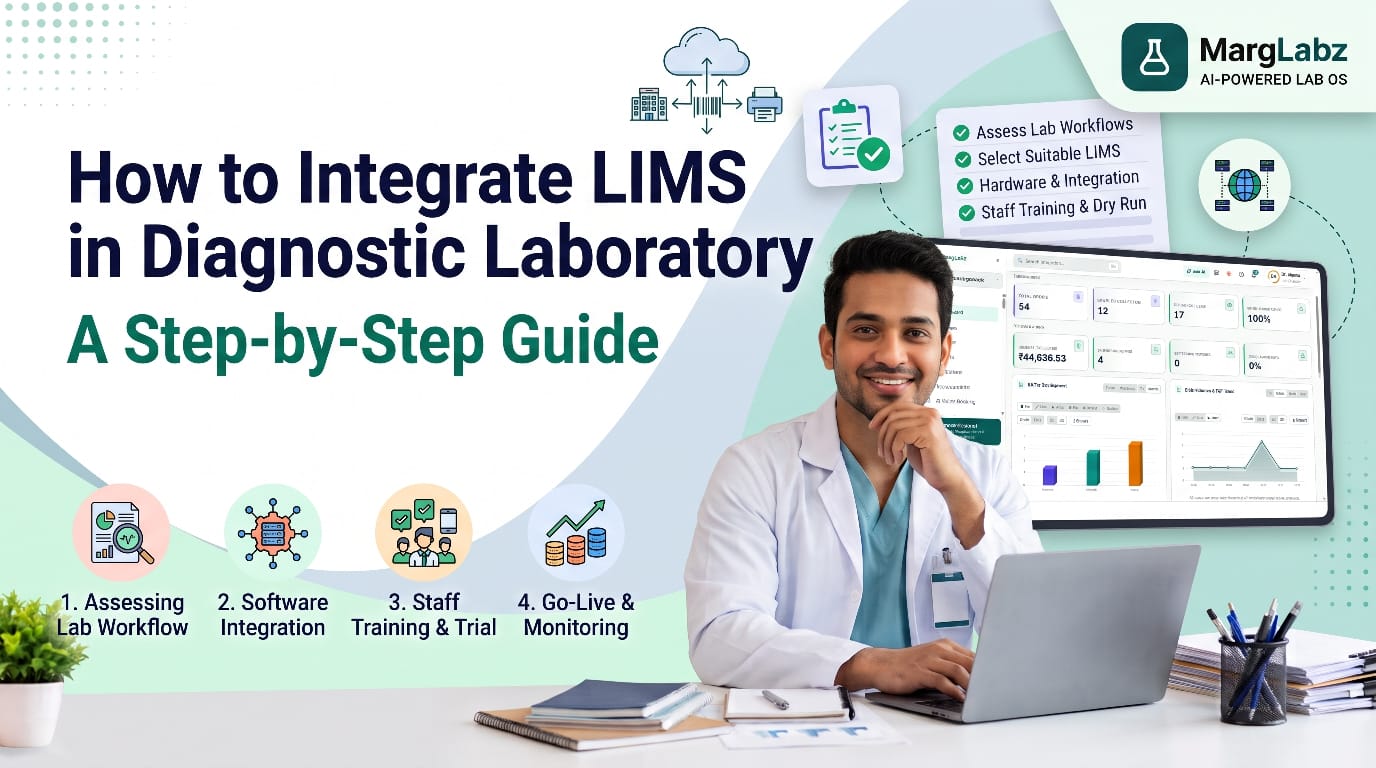
Define your goals first, then, document your current workflow. Next, list all instruments with model, interface, protocol and test menu. After that, verify compatibility in writing with both the instrument manufacturer and the software vendor. Then, obtain the necessary cables, serial converters, network and power backups. After that, clean the test master and agree on the test codes to be used. Then, configure the interface and map each analyzer test code to the software test. Then, create the barcode labels. After that, test in a controlled manner. Then, provide training for your employees. Finally, implement the solution in stages and continuously monitor the performance of the system. Provide training to your employees in real-time, so they will understand the differences in the new system and what actions should be taken if the link fails.
Barcode and Sample Identification
Barcodes identify each individual sample with its associated patient and order from the time it was collected. Print labels when you register the samples; apply labels to the sample tubes prior to leaving the patient's presence; and verify that the analyzer can scan the barcode. If a laboratory types in the sample identification numbers manually after receiving the samples, they will lose many of the advantages provided through integration. When there are three analyzers present within the laboratory, using a single barcode format for each analyzer ensures that all results are assigned to the correct record. Make sure to have extra label rolls available near the analyzer.
Result Transfer, Validation and Verification
The results of an analysis must be placed in a validation queue prior to being released to patients. Review reference ranges, flags, and prior results. Have a qualified staff member review the results prior to releasing them. If automatic validation rules are being applied, the pathologist must approve these rules. Any abnormal results should be reviewed by a human.
Integration Testing Before Going Live
Test with real-life specimens. Run controls, compare the printout from your instrument to what you see in the software on the same sample set, and verify that the units, decimal points, flags and patient identifier match. You may also want to try some "failure" scenarios: a disconnected cable, a duplicate sample, a missing test. For a short time, you might want to run the older method in parallel with the newer method prior to complete transition.
Common Challenges and Practical Solutions
Typical issues that occur are incorrect test code mappings, double reporting of results, missing information, low quality barcodes and dropped connections. To address the mapping issue, have a technician and a pathologist review the mapping. To avoid duplication, use unique patient identifiers and check for duplicates. Maintain a manual input backup plan and set up alerts for disconnected devices; document all configurations. When links drop during testing, it is possible for results to be reported late or twice; therefore, determine how the results will be re-examined by personnel prior to reporting.
Data Accuracy, Security and Access Management
Integration alone does not provide a correct outcome. Correct identification of patients, proper calibration of instruments, and continued quality control are still necessary. Utilize individual login credentials, role-based access, audit trails, and secure data storage while following the applicable data protection regulations with an appropriate advisor.
LIMS Integration for Multi-Branch Laboratories
The added complexity of having multiple collection centers, a main laboratory, and various types of testing equipment adds further difficulty. Standardizing test code and barcode formats across all of your locations will help keep track of each sample from the time it leaves a collection center until it arrives at the main laboratory. This can be done by using a standardized software package for both the collection centers and the main laboratory. In addition to being able to create standard reports from the main laboratory, this software can also be used to monitor the status of sample processing at each of your branches. If there is an issue with the operation of a piece of equipment, such as a malfunctioning analyzer, the software will alert you so that you may take action to correct the problem.
How to Evaluate a LIMS Integration Solution
When evaluating pathology lab software vendors, obtain written confirmation that the vendor's software will be compatible with your specific analyzer models. Additionally, inquire as to the methods and protocols used; who installs and supports each interface; if additional fees apply; how errors/failures are addressed; and what type of support is provided. Request a demo using your actual instrumentation, and contact labs that utilize similar instrumentation. MargLabz is an AI-powered Lab OS offering more than 40+ modules supporting patient and sample management, test and reporting management, analyzer integration and workflow management, as well as AI Smart Reports. As with all vendors, verify compatibility on a model-by-model basis.
Conclusion
The way connected workflows are developed is by building them, not buying them. Begin with defined objectives, verified compatibility, clean testing code and thorough testing, and ensure that individuals who have the proper qualifications remain responsible for verifying. When done correctly, LIMS integration in diagnostic laboratories can help to reduce manual entries, allow for quicker reporting and provide laboratory managers with a better understanding of what is happening within their lab.